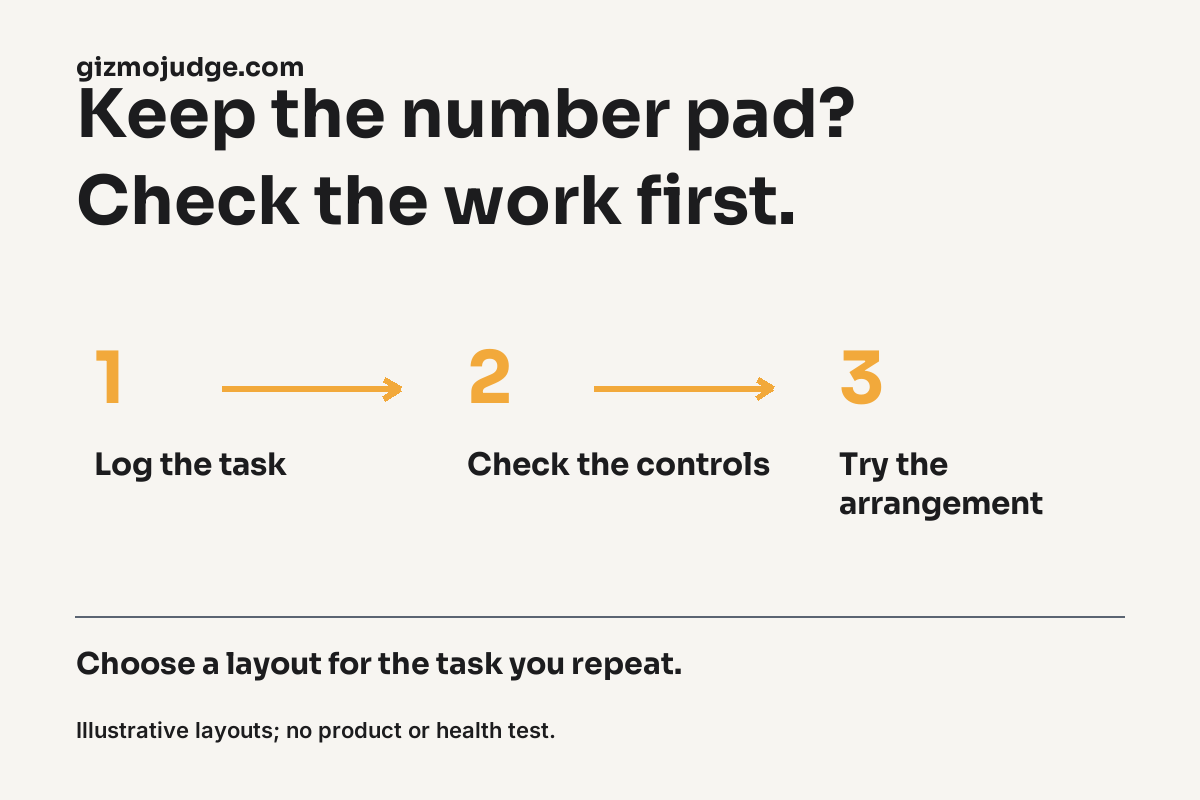
Buy If: an integrated number pad earns its space when you repeatedly use it for the work you actually do. Consider a layout without one, or a separate pad, when number entry is occasional and another arrangement fits your desk better. A compact keyboard is not automatically an upgrade, and a number pad is not automatically wasted space.
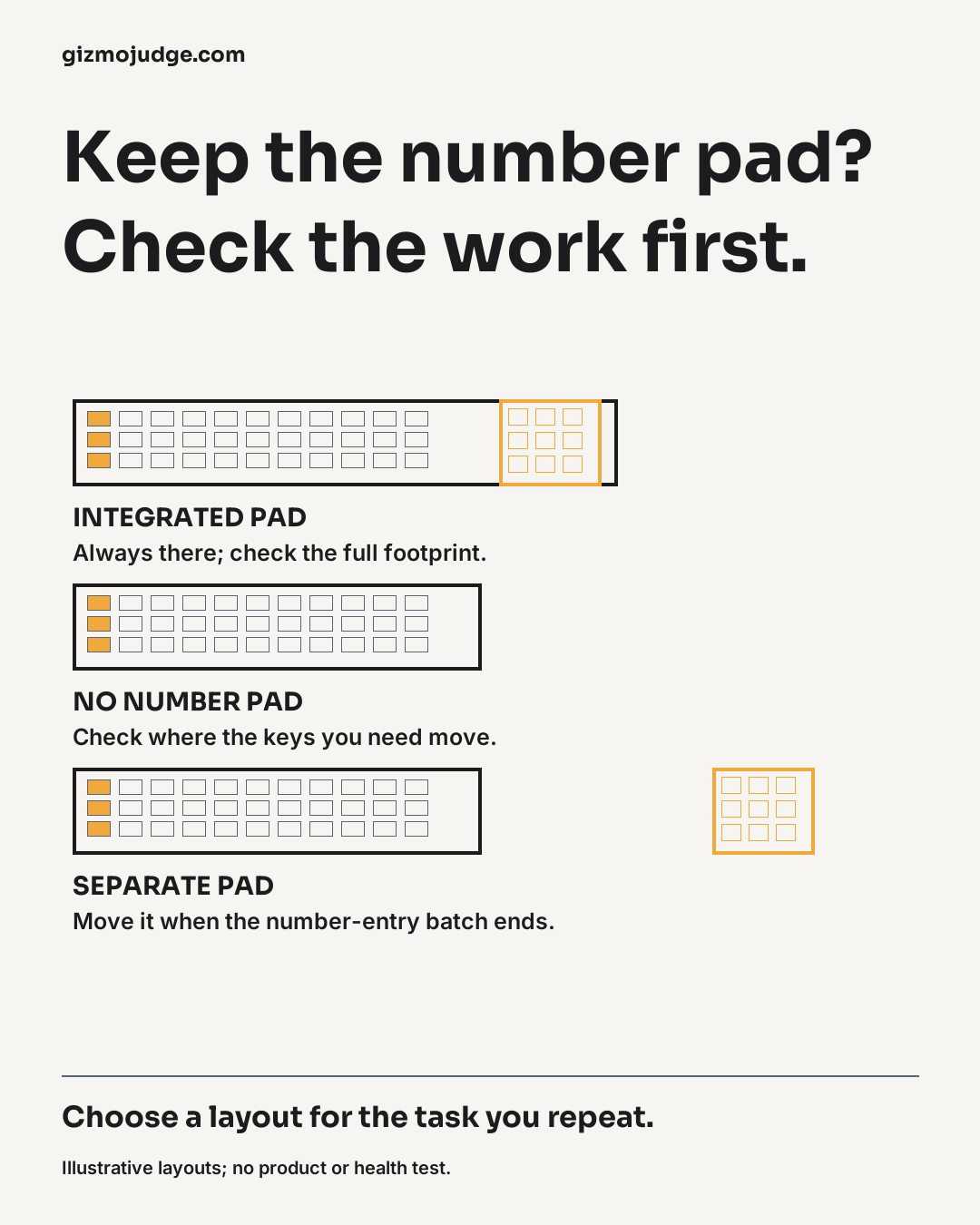
Start with one ordinary work session
Notice when you use the number pad, navigation keys and mouse. Do not rely only on your job title. Two people who work in spreadsheets may use very different methods: one enters long columns of numbers, while another spends more time reading, selecting ranges, writing formulas and moving between applications. Record the actions, not a judgement about the person.
For number entry, distinguish an occasional verification code from a sustained batch of figures. For text work, check whether you depend on dedicated navigation keys or shortcuts that a smaller layout relocates. A keyboard that removes a useful control can introduce a different inconvenience even if the footprint looks attractive.
Three arrangements to compare
- Integrated number pad: always available in one keyboard, with a wider overall footprint to check against your setup.
- Keyboard without a number pad: frees the space occupied by that section, but may move keys or require another method for number entry.
- Separate number pad: can be positioned or put away, but adds another device and possible connection or battery requirements.
These are layout tradeoffs, not test results for a named product. Physical dimensions vary, so compare actual specifications for any shortlist. Include wrist rests, cables, a mouse and the movement space needed for your normal work. The remaining strip of a desk in a photograph is not a measurement of usable mouse space.
Try the decision before buying
Use the keyboard and mouse you already have to rehearse the intended arrangement where possible. Mark the footprint of a candidate with paper only as a sizing aid. Then perform a normal task with the controls you expect to use. A paper outline can show where something might fit; it cannot establish key feel, comfort or the experience of a different layout.
The UK Health and Safety Executive describes workstation assessment as considering the whole workstation, the job and the user’s requirements. That supports looking beyond the keyboard alone. This guide is a buying and task-planning aid, not an individual workstation assessment or a promise that changing hardware will resolve discomfort.
A practical decision rule
Keep the number pad when its repeated value outweighs the space and arrangement tradeoff for your tasks. Consider a separate pad when you need it in batches and can manage the extra device. Consider a keyboard without one when the alternative method works for you and the rest of the layout still makes sense.
Before buying any exact model, confirm its dimensions, operating-system compatibility, connection requirements and the current seller’s return terms. Those checks are model and seller specific. Use the keyboard task log to make the decision concrete, then compare the published Wave Keys and ERGO K 860 comparison if those models are on your shortlist.
Sources and scope
HSE: workstation assessment context
Sources checked 25 October 2026. Original desk-research guidance and explanatory illustrations; no hands-on product test or measured customer result is claimed.
Watch the worked example
Watch the 29-second explanation on YouTube. Original explanatory illustration and synthetic narration; the example does not claim a measured customer or product result.