Verdicts here are built from published testing, real owner reports and spec sheets, not our own hands-on use. See how we judge →
Verdict first: get an electric standing desk converter if you sit more than four hours a day, and make sure it is wide enough for your monitor setup before anything else. A converter that is too narrow, or one you have to crank by hand, quietly stops getting used within a few weeks.
What actually matters when picking one
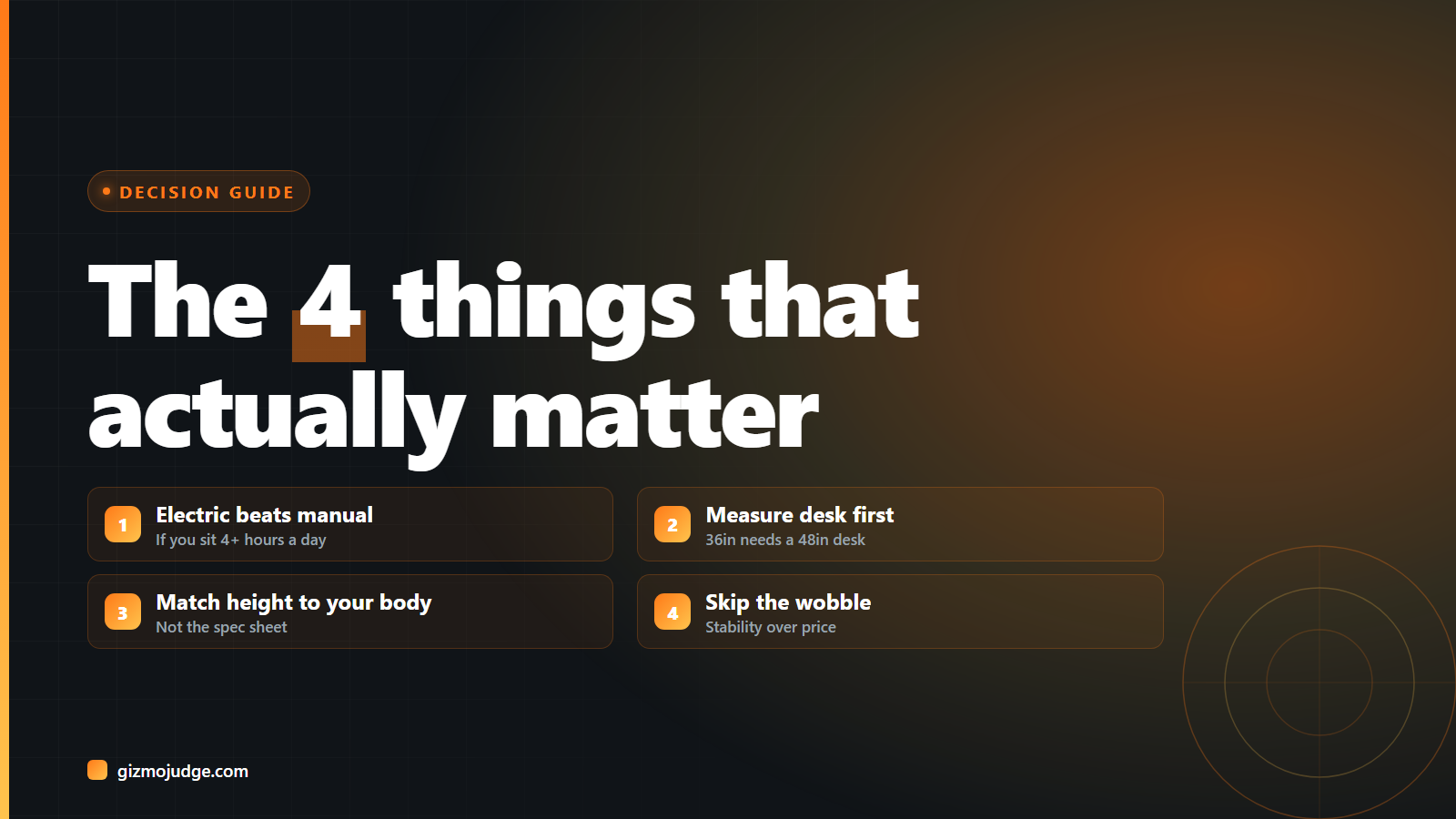
1. Electric beats manual crank, if you can afford it
Any friction in the sit-to-stand transition, including having to manually crank a lever, means people simply do it less, which undermines the entire point of buying one. Most standing desk converters use pneumatic or spring-assisted lift instead of a hand crank, which needs minimal effort to raise and lower. If you sit for desk work more than four hours a day, an electric, push-button model is worth the extra cost, per FlexiSpot’s ergonomics guidance.
2. Measure your desk before you measure the converter
A 36-inch-wide converter needs roughly a 48-inch desk to sit on without overhanging the edge, per Reviewed’s sizing guidance. If you run dual monitors, look for at least 36 inches of surface width, and know that 40 inches (the widest common option, on converters like the Rocelco DADR-40) exists specifically for heavier multi-monitor setups.
3. Match the height range to YOUR body, not the spec sheet
The number that matters is not the max height, it is whether the minimum (seated) height puts your keyboard at elbow height and the maximum (standing) height puts your monitor at eye level, per Humanscale’s ergonomics guidance. A converter with an impressive top height is useless if its low end still forces your wrists up.
4. Don’t buy the cheapest one if it wobbles
Budget converters more often skimp on stability and long-term durability than on any single headline feature. A wobbly surface at standing height is worse than no converter at all, since it makes typing and mousing uncomfortable exactly when you are trying to build the standing habit.
Standing desk vs. full sit-stand desk: which one do you actually need?
A converter sits on top of your existing desk and is the cheaper, faster way to get sit-stand flexibility without replacing furniture. A full standing desk replaces the desk itself and tends to give more surface stability and a cleaner look, at a higher price and with more setup. If you rent, share a desk, or are not sure you will stick with standing, a converter is the lower-risk first step.
Frequently asked questions
Do I need an electric standing desk converter, or is manual fine?
Manual (crank or pneumatic) is fine if you only plan to switch positions once or twice a day. If you want to move between sitting and standing multiple times, electric is worth it, since any adjustment friction reduces how often people actually transition.
How wide a desk do I need for a standing desk converter?
A 36-inch-wide converter needs roughly a 48-inch desk to avoid overhanging the front edge. Measure your desk’s usable width before ordering, not just the total desk length.
Is a standing desk converter as good as a full standing desk?
It gets you the same core benefit, sit-stand flexibility, at a lower cost and with less commitment, but with a smaller work surface and typically less stability at full height than a purpose-built standing desk.
This site does not claim hands-on testing of every product mentioned. Claims are sourced from the outlets and manufacturer spec sheets cited above. See our affiliate disclosure.
Check the specs yourself
Every measurement quoted above comes from the product pages below. Prices and availability change, so check the source before you buy. Links verified 13 September 2026.
- FlexiSpot AlcoveRiser M7 Manufacturer