Buy only after you can name the constraint a product must solve. This printable worksheet helps you screen a chair, keyboard, mouse or desk accessory against your actual workstation. It does not calculate a universal ergonomic score or certify fit.
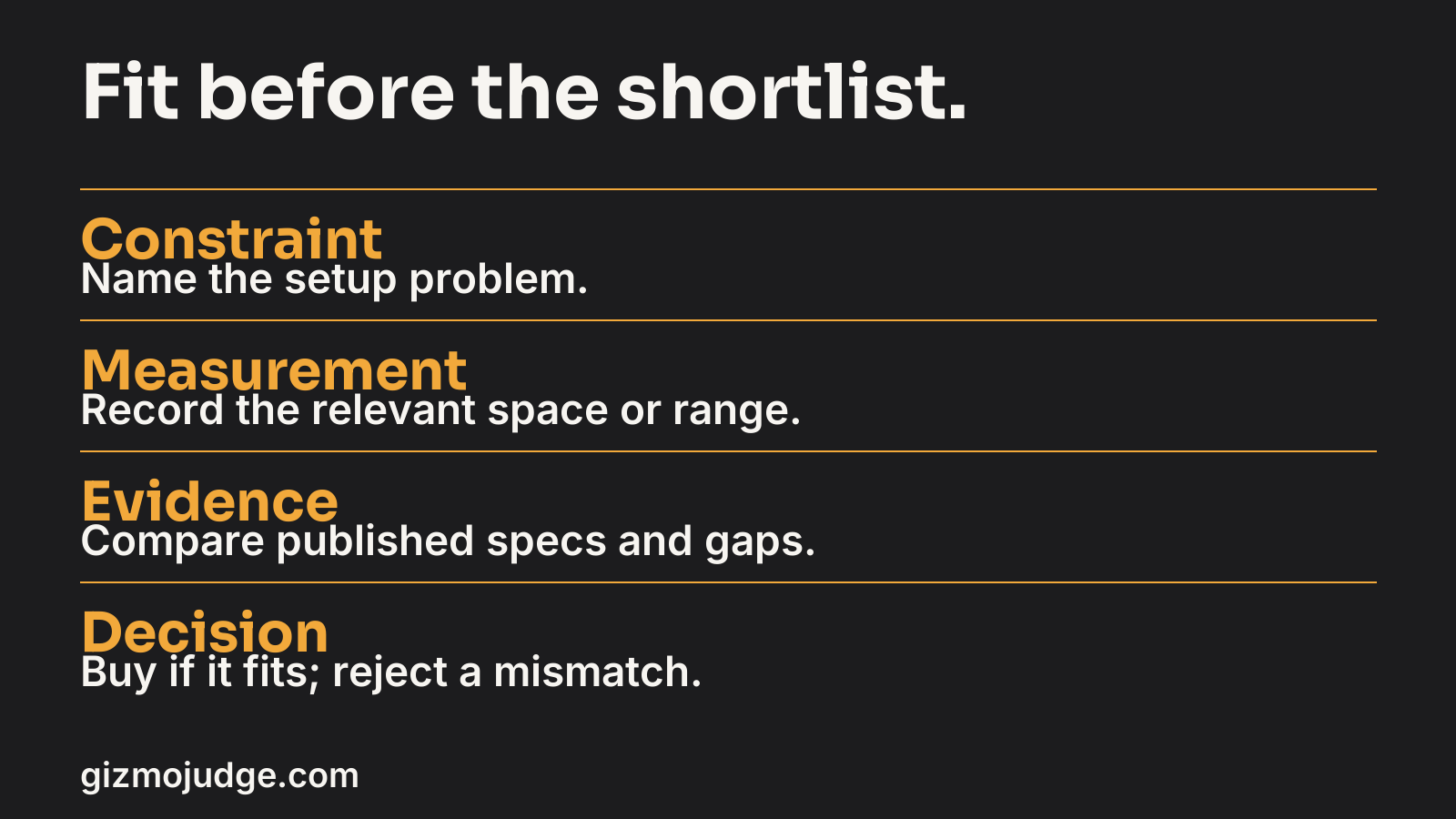
Step 1: record the failed condition
Start with one observable problem: armrests collide with the desk, the keyboard occupies the mouse space, the monitor cannot move close enough, or the chair does not reach a usable setting. Record when it happens and which adjustment you already tried. Avoid beginning with a product name; that encourages you to justify the product instead of solving the problem.
Workstation record
Copy this worksheet into a document. Keep one row per decision. The blank table below is a copyable template. The worked example uses fictional measurements, not a product test or customer result.
| Field | Your record |
|---|---|
| Main task and approximate session length | Write your answer here |
| Observed constraint | Write your answer here |
| Available adjustment tried | Write your answer here |
| Desk width and depth | Write your answer here |
| Usable keyboard and mouse area | Write your answer here |
| Relevant chair adjustment setting | Write your answer here |
| Under-desk clearance | Write your answer here |
| Remaining uncertainty | Write your answer here |
Worked example
All measurements in this example are fictional. The usable horizontal area is 70 cm. A 44 cm keyboard plus 30 cm of normal mouse movement needs 74 cm, so the current combination does not fit. A hypothetical 36 cm keyboard would use 66 cm with the same mouse space. That makes a narrower keyboard worth checking, not automatically worth buying.
| Field | Illustrative record |
|---|---|
| Main task and approximate session length | Writing and editing at a desk for about two hours. |
| Observed constraint | Mouse reaches the desk edge when used beside the 44 cm keyboard. |
| Available adjustment tried | In this scenario, clearing loose objects does not expand the 70 cm usable area. |
| Desk width and depth | 100 cm wide and 55 cm deep in this fictional setup; measure your own desk. |
| Usable keyboard and mouse area | 70 cm horizontal width. Current need: 44 + 30 = 74 cm, a 4 cm shortfall. |
| Relevant chair adjustment setting | No chair setting resolves this horizontal fit constraint; assess chair fit separately. |
| Under-desk clearance | Not measured in this example. Check it before any chair or under-desk purchase. |
| Remaining uncertainty | Verify the exact width of a shortlisted keyboard from its manufacturer, allow for normal mouse movement, and read return terms. A fictional 36 cm option would total 66 cm, but no real product has been checked here. |
Step 2: shortlist against evidence
On a narrow screen, review each candidate card and check all five fields before choosing.
| Candidate | Published dimension or adjustment | Matches constraint? | Evidence gap | Return terms |
|---|---|---|---|---|
| Option A | Record exact source and range | Yes / No / Unclear | What is missing? | Record terms |
| Option B | Record exact source and range | Yes / No / Unclear | What is missing? | Record terms |
| Option C | Record exact source and range | Yes / No / Unclear | What is missing? | Record terms |
Use the same unit for every candidate. Width without depth may be insufficient. A maximum adjustment is not a minimum. A load rating is not a comfort rating. If a monitor arm or converter is involved, include the specific mounting and weight requirements from its manufacturer. Do not fill an unknown cell with an estimate merely to make the table look complete.
Illustrative shortlist decision
This is a fictional screening record, not a named or tested product.
- Candidate: a hypothetical compact keyboard with an assumed width of 36 cm.
- Published dimension: none checked. The 36 cm figure is an exercise assumption, not a manufacturer specification.
- Constraint fit: if that width proves correct, 36 cm keyboard + 30 cm mouse space = 66 cm, leaving 4 cm within the example 70 cm desk area. This is provisional arithmetic, not proof of comfort or clearance.
- Evidence gap: confirm the exact model width and depth from the manufacturer, then check real mouse clearance on the desk.
- Return terms: unknown; read the seller terms before purchase.
- Decision: hold the purchase until the specification, fit and return terms are verified.
Step 3: choose the next action
Reject a documented mismatch. Ask the seller or manufacturer about a material unknown. Try an existing adjustment when the setup already offers one. Buy if the relevant range matches and you accept the remaining uncertainty and return conditions. Keep an unclear candidate out of a confident recommendation.
After delivery, compare the actual product with the record before discarding packaging. Record whether the original constraint changed, whether a new one appeared and whether you need to adjust the setup or use the return route. A purchase is a test of fit, not proof that the shortlist was universally correct.
The source boundary
OSHA’s workstation evaluation considers the whole arrangement, including supported feet, relaxed shoulders, aligned wrists and clearance. Use the official checklist for the detailed checks. This worksheet is our buying record layered around those questions, not an OSHA endorsement or a substitute for individual clinical guidance.
Choose the relevant guide
For seating, use the chair selection method. For input devices, use the keyboard and mouse method. For mounting compatibility, use the monitor arm guide. Each solves a different constraint; one product category should not stand in for a whole workstation.