
Verdicts here are built from published testing, real owner reports and spec sheets, not our own hands-on use. See how we judge →
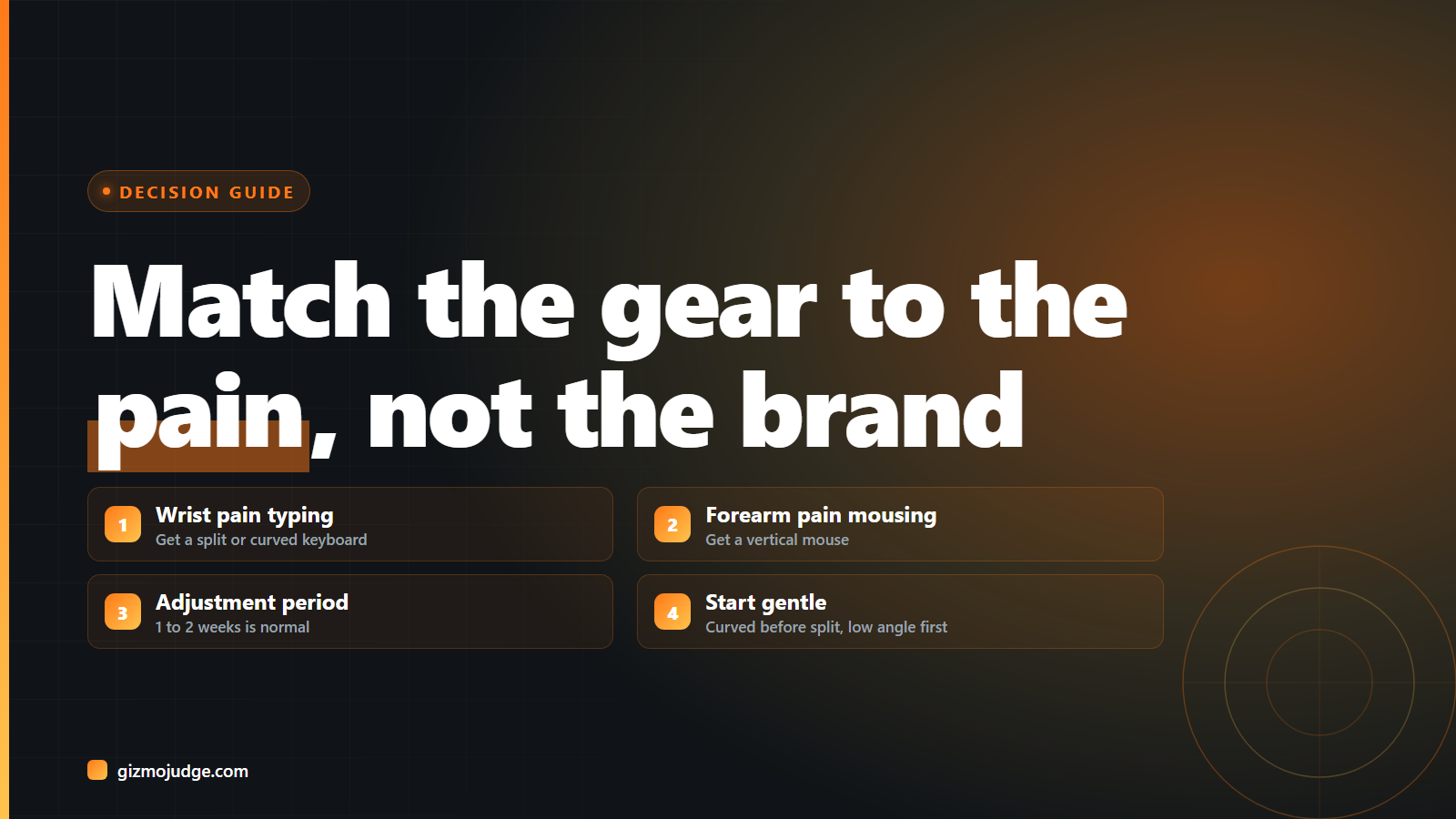
Short answer: pick based on the problem you actually have. Wrist or forearm pain from a standard keyboard: get a split keyboard. Wrist pain specifically from mousing: get a vertical mouse. Neither yet, just want to prevent it: a lower-effort curved keyboard and a mid-size mouse with a proper wrist rest is enough.
Question 1: What is actually hurting?
Wrist pain while typing usually traces to ulnar deviation, the wrists angling inward to reach a standard keyboard’s straight key rows. A split or curved keyboard fixes this directly. Forearm or shoulder pain often traces to the mouse arm reaching too far right and staying pronated (palm down) all day, which is what a vertical mouse addresses by rotating the hand into a handshake position. Treat the two as separate problems; a great keyboard will not fix mouse-arm pain and vice versa.
Question 2: How much adjustment period can you tolerate?
This is the honest tradeoff every published review (RTINGS, Wirecutter, CNN Underscored) flags the same way: split keyboards and vertical mice both come with a real learning curve, typically one to two weeks before typing speed and mouse precision return to normal. If a work deadline can’t absorb a slower week, start with the gentler end of each category (a keyboard with a shallow split rather than a fully adjustable one, a lower-angle vertical mouse rather than the steepest option) instead of skipping ergonomic gear entirely.
Question 3: Split keyboard or just curved?
A curved (non-split) ergonomic keyboard, like the Logitech Ergo K860, keeps the two halves connected but shapes the layout to reduce wrist angling. It is the lower-commitment option: closer to typing on a normal keyboard, easier to adjust to, less desk space required. A fully split keyboard, where the two halves physically separate and can be angled or tented independently, goes further for genuine pain relief but asks more of you: more desk space, more adjustment time, and often a steeper price. Start curved unless you already know a standard keyboard is the problem.
Question 4: Which vertical mouse angle?
Vertical mice range from a gentle 20 to 30 degree tilt up to a near-90-degree handshake position. A gentler angle (like the Logitech Lift, Wirecutter’s pick for widest hand-size comfort) keeps more precision and a shorter adjustment period. A steeper angle (like the Logitech MX Vertical’s 57 degrees) relieves more forearm rotation but costs more precision for fine work and takes longer to get used to. If most of the workday is browsing, email, and general use, go gentler. If wrist pain is already a real problem, the steeper option is worth the adjustment.
Question 5: Wired, Bluetooth, or a USB receiver?
For a single desk setup, either works fine; the ergonomics don’t change with connection type. The real deciding factor is whether you switch between multiple computers during the day. If so, a mouse with multi-device Bluetooth pairing or a feature like Logitech Flow (which lets one mouse and keyboard control several paired computers and drag files between them) saves real friction, and is worth paying up for over a single-device model.
The one-line rule
Match the gear to the specific pain, accept the one-to-two-week adjustment window as normal rather than a sign something’s wrong, and start with the gentler version of whichever category you need before jumping to the most extreme option. See our best ergonomic keyboards and mice picks for specific models at each level.
Frequently asked questions
Should I replace the keyboard or the mouse first?
Are expensive ergonomic keyboards worth it over cheap ones?
Will ergonomic gear fix existing pain?
Check the specs yourself
Every measurement quoted above comes from the product pages below. Prices and availability change, so check the source before you buy. Links verified 13 September 2026.
- Logitech Ergo K860 Manufacturer
- Logitech Lift Vertical Mouse Manufacturer
- Logitech MX Vertical Manufacturer