
Verdicts here are built from published testing, real owner reports and spec sheets, not our own hands-on use. See how we judge →
Verdict: Buy. The Ergotron LX is the arm every other arm on this site gets measured against. Not because it is exciting (it is a grey metal arm) but because it has been the safe, well-documented default for home-office setups for years, and the reviews back that up. This verdict is built from Wirecutter’s testing program and the pattern across verified owner reviews.
What it actually does well
- Gas spring adjustment: one-finger repositioning, no tools once installed.
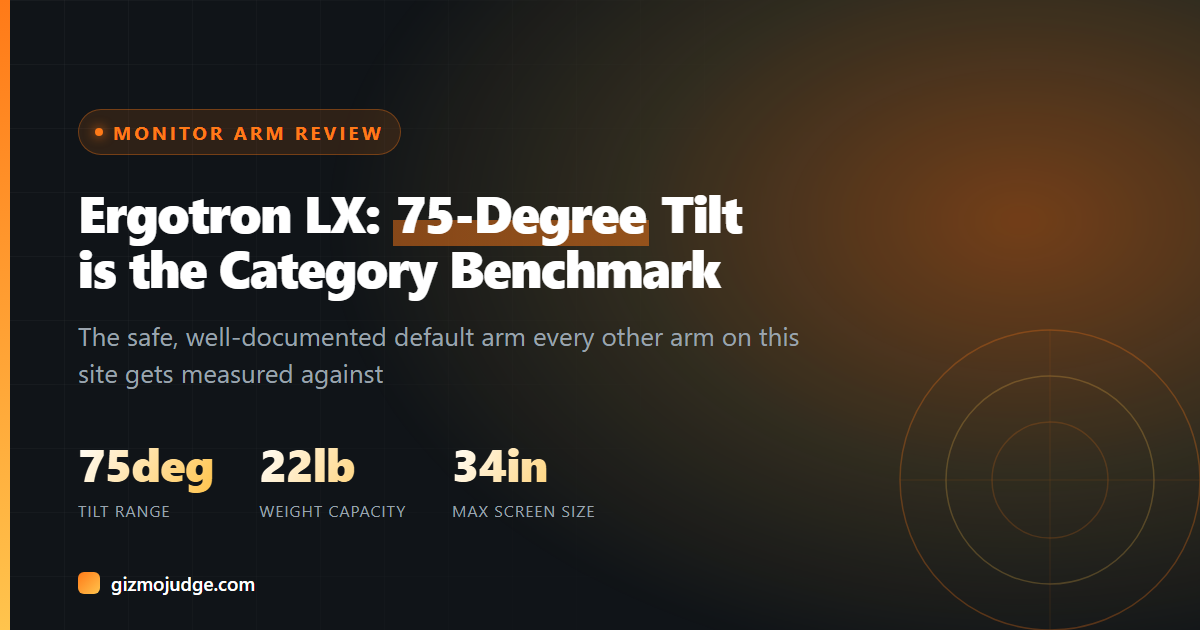
- 75° tilt, 360° rotation: A 75° tilt range is unusually generous for this category; most competing arms cap out well below that.
- Up to 34” and 22 lbs: covers the vast majority of standard and ultrawide monitors.
- Heavier or premium monitor? See our BenQ Ergo Arm review instead.
- Built-in cable management and VESA-standard mounting.
Where it is not the best option
It is not the cheapest way to get a monitor off a desk. A $35 arm will physically hold a monitor up too. You are paying for the LX’s track record and range of motion, not a feature the budget options entirely lack. If your monitor itself cost under $150, the arm is arguably overkill; put that money toward the screen instead.
There is also a newer LX Pro variant with a smaller footprint and better tilt, though a lower weight ceiling than the standard LX’s wider base. Per Ergotron’s own spec sheet, the Pro is not strictly better, just a different tradeoff.
Who should buy this
Anyone setting up a home office who wants to buy an arm once and never think about it again. It is VESA-compatible, so check the back of your monitor for the four-screw square pattern before ordering. See our buying guide if you are not sure what that means.
Who should skip it
If you are mounting one light, standard monitor on a tight budget, the VIVO budget pick gets the job done for a fraction of the price.
Frequently asked questions
How long does the Ergotron LX actually last?
Does it sag over time?
Is it overkill for a small monitor?
Check the specs yourself
Every measurement quoted above comes from the product pages below. Prices and availability change, so check the source before you buy. Links verified 13 September 2026.
- Ergotron LX Desk Monitor Arm Manufacturer