Verdicts here are built from published testing, real owner reports and spec sheets, not our own hands-on use. See how we judge →
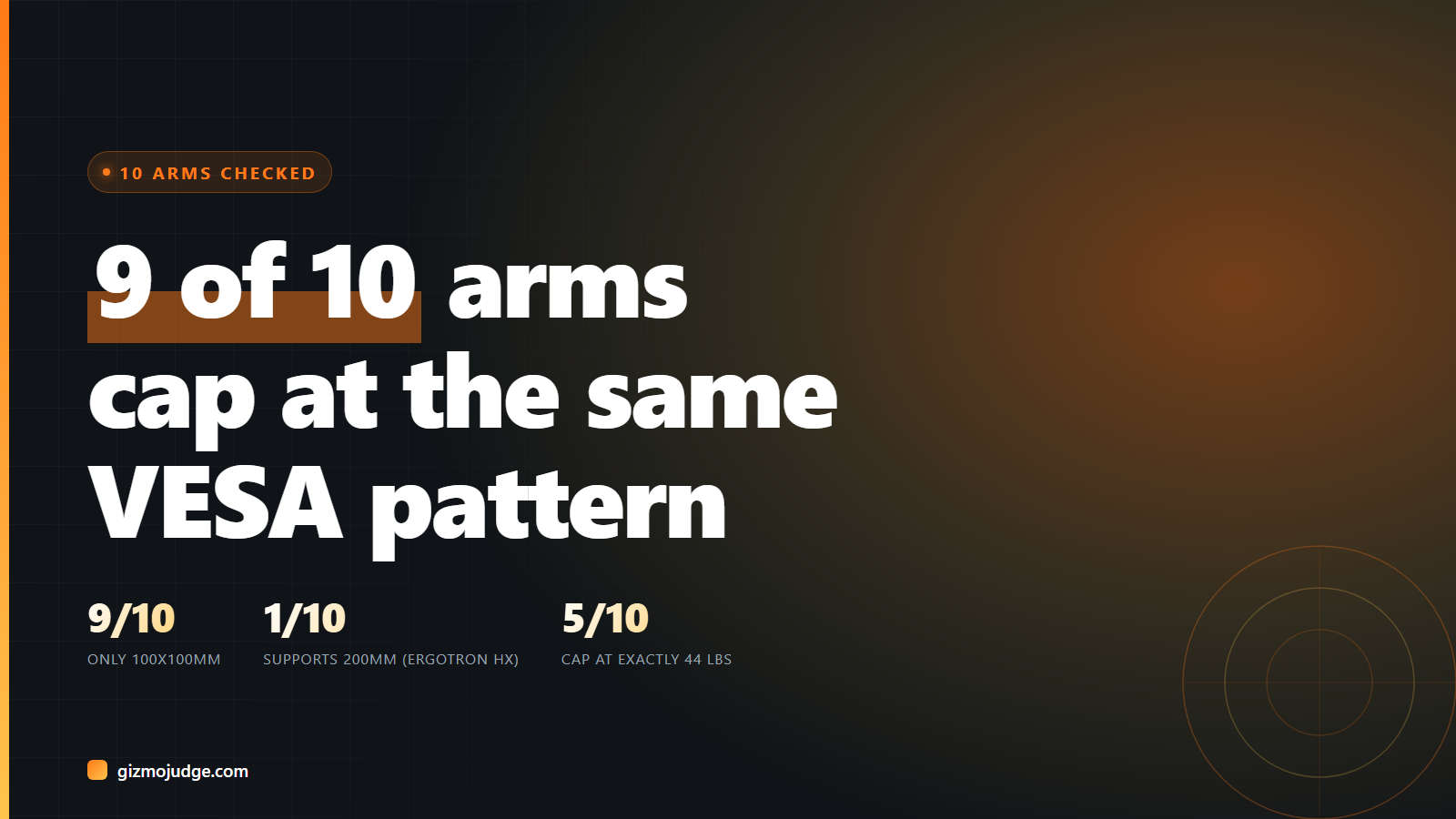
We pulled the published spec sheet for 10 monitor arms, from a $28 basic mount to a $220 premium one, and lined up their weight capacity against the VESA mounting pattern they actually support. The weight numbers vary the way you’d expect. The VESA pattern barely does. Nine of the ten cap out at the same 100x100mm hole pattern, whether they’re rated for a 22-inch monitor or a 60-inch screen. Only one, the Ergotron HX, actually supports the larger 200×100/200×200 pattern that some big-format and curved ultrawide displays use on the back.
That matters because “holds up to 44 lbs” and “fits your monitor’s mounting holes” are two different promises, and most listings only make the first one loudly.
What we checked
Manufacturer spec pages and retailer listings for 10 arms spanning the price range, pulled directly rather than taken from a roundup’s summary. Every row below links to the page we read.
| Arm | Weight capacity | Max screen (claimed) | VESA pattern |
| Ergotron LX | 7–25 lbs | 34″ | 75×75 / 100×100 |
| Ergotron HX | up to 42 lbs | ultrawide | 75×75 / 100×100 / 200×100 / 200×200 |
| BenQ Ergo Arm | 4.4–44 lbs | 45″ | 75×75 / 100×100 |
| HUANUO TitanLift | 6.6–44 lbs | 49″ | 75×75 / 100×100 |
| VIVO STAND-V001 | up to 22 lbs | 38″ (ultrawide) | 75×75 / 100×100 |
| Mount-It! MI-4882 | up to 44 lbs | 49″ curved | 75×75 / 100×100 |
| Fully Jarvis | 5–28 lbs | 32″ | 75×75 / 100×100 |
| North Bayou G80 | up to 44 lbs | 60″ | 100×100 only |
| WALI GSM001XL | up to 44 lbs | 49″ curved | 75×75 / 100×100 |
| AmazonBasics Premium | up to 22–25 lbs | 32″ (38″ ultrawide) | 75×75 / 100×100 |
The pattern in the numbers
Two things stand out once you line these up side by side, and neither shows up in a single listing on its own.
44 lbs is not a coincidence, it’s a ceiling. Five of the ten arms (BenQ, HUANUO, Mount-It, North Bayou, WALI) top out at exactly 44 lbs, regardless of brand or price. That’s not five companies independently landing on the same number. Gas-spring monitor arms use a small number of shared spring mechanisms licensed or sourced from the same handful of manufacturers, and 44 lbs is the practical ceiling for the springs used at this price tier. A listing that says “44 lbs, heavy duty” is describing the spring class it was built on, not a unique engineering achievement.
VESA pattern does not scale with the marketing. North Bayou’s G80 is sold for screens up to 60 inches and still only supports the 100x100mm hole pattern, the same pattern as the $28 AmazonBasics arm rated for a 25-inch monitor. That works fine if your large display happens to use 100×100 mounting, which many do. It does not work if it uses the wider 200×100 or 200×200 pattern that shows up on some large-format and curved ultrawide displays, and nothing in most of these listings tells you which one your specific monitor uses. The only arm in this sample built for both is the Ergotron HX, and it costs meaningfully more than the rest.
Want the check done for you? Use the Monitor Arm Finder, enter your monitor weight and VESA pattern, get the matches from this exact table.
What to actually check before you buy
Flip your monitor around and measure the four screw holes on the back before you shop for an arm, not after. Most monitors up to 32 inches use 100x100mm, which every arm above supports. If you’re mounting something larger, a curved ultrawide, or a monitor originally sold as a commercial/office display, check its manual for the VESA number specifically. A weight rating that comfortably clears your monitor’s weight is not proof the holes will line up.
Beyond that, our existing picks stand: the Ergotron LX for most single-monitor setups, the BenQ Ergo Arm if you want more capacity for less money, and our full buying guide if you’re not sure which category fits your desk.
What this check does not prove
This is 10 arms, not the whole market, chosen for spread across price and brand rather than a random or exhaustive sample. Every number here is the manufacturer or retailer’s own published claim, not something we measured with a scale, and specs on these listings change without notice, so treat this as a snapshot, not a permanent ranking. What it does show, reliably: published weight capacity tells you almost nothing about VESA compatibility, and the two need to be checked separately.