
Verdicts here are built from published testing, real owner reports and spec sheets, not our own hands-on use. See how we judge →
Verdict: Buy. It does not have the Ergotron LX’s name recognition, but on paper it is the more capable arm: the widest real-world capacity range of any arm on this site, plus a desk-protecting detail the Ergotron LX skips. This verdict is built from published spec sheets and the pattern across verified owner reviews.
What it actually does well
- Gas spring adjustment: one-finger repositioning once installed, same mechanism as the Ergotron LX.
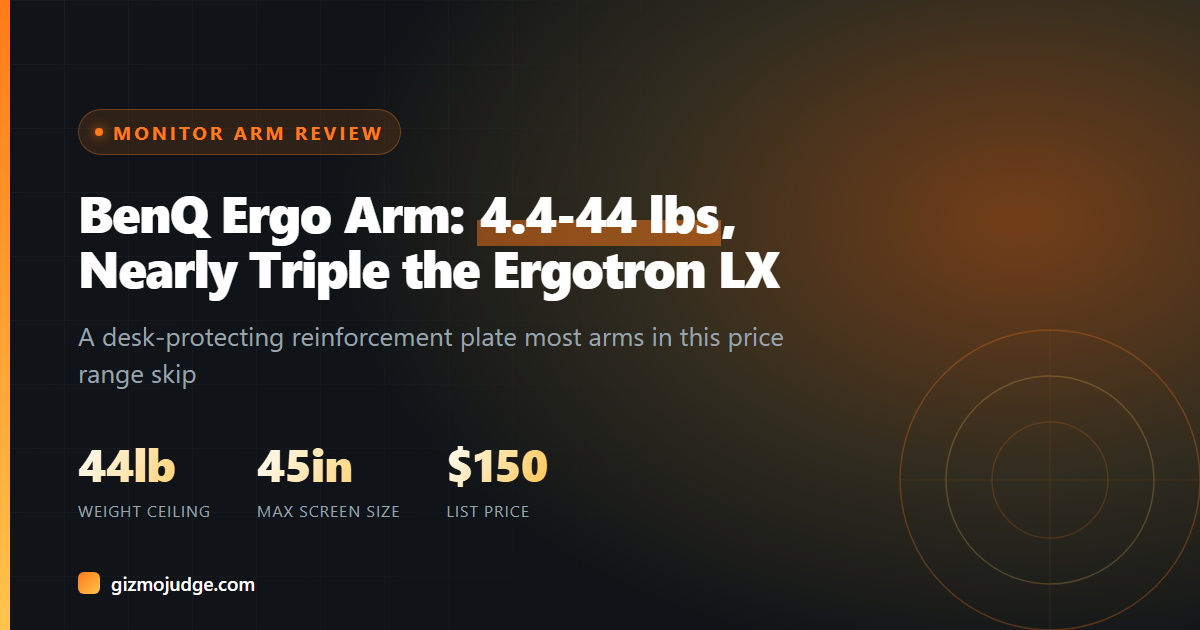
- 4.4 to 44 lbs, 17 inch to 45 inch screens: nearly triple the Ergotron LX’s 22 lb ceiling, so it covers everything from a light 1080p monitor to a heavy curved ultrawide with room to spare.
- Reinforcement plate under the clamp: protects your desk from the indentation a standard clamp leaves over time, a detail most arms in this price range skip entirely.
- Single or dual-arm configurations: same base hardware scales to a two-monitor setup without switching product lines.
Where it is not the best option
At around $150, it costs roughly what a mid-range monitor costs, so mounting a budget 1080p screen under it is spending more on the arm than the display. If your monitor is light and standard-sized, the Ergotron LX or an even cheaper option covers the same ground at a lower price. You are paying the extra $0 to $30 over budget options specifically for the wider weight ceiling and the desk-protecting plate, not for anything a lighter setup actually needs.
Who should buy this
Anyone running a heavier or premium monitor, 5K, OLED, curved, or ultrawide, where 22 lbs is cutting it close and a desk-protecting clamp actually matters. It is also the safer single purchase if you are not sure yet whether you will add a second monitor later, since the same arm scales to dual.
Who should skip it
If you are mounting one light, standard monitor and do not plan to upgrade, see our best-of guide for the Ergotron LX or the VIVO budget pick instead. You will not use the extra weight ceiling, so there is no reason to pay for it.
Full head-to-head against the Ergotron LX and the AmazonBasics arm: see our comparison.
Frequently asked questions
Is the BenQ Ergo Arm worth the price over a budget arm?
Will it fit my monitor?
Clamp or grommet mount?
Check the specs yourself
Every measurement quoted above comes from the product pages below. Prices and availability change, so check the source before you buy. Links verified 13 September 2026.
- BenQ Ergo Arm Manufacturer spec sheet