Verdicts here are built from published testing, real owner reports and spec sheets, not our own hands-on use. See how we judge →
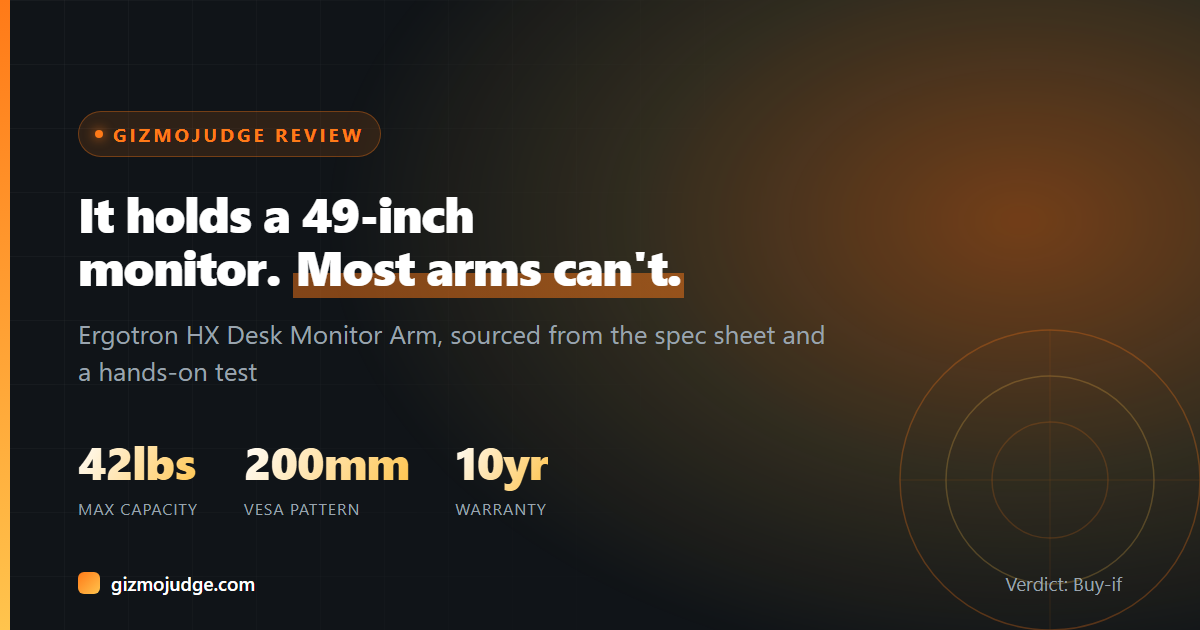
Verdict: Buy-if. The Ergotron HX Desk Monitor Arm is the monitor arm to buy if you’re running a large or heavy display, an ultrawide, a 40-plus-inch TV pressed into monitor duty, or anything that needs the wider 200mm VESA mounting pattern most arms in this category don’t support. It sits well above budget pricing, and Ergotron does not apologize for that. This verdict is built from Ergotron’s own published specification sheet and a hands-on review by TweakTown.
What makes it different from a standard arm
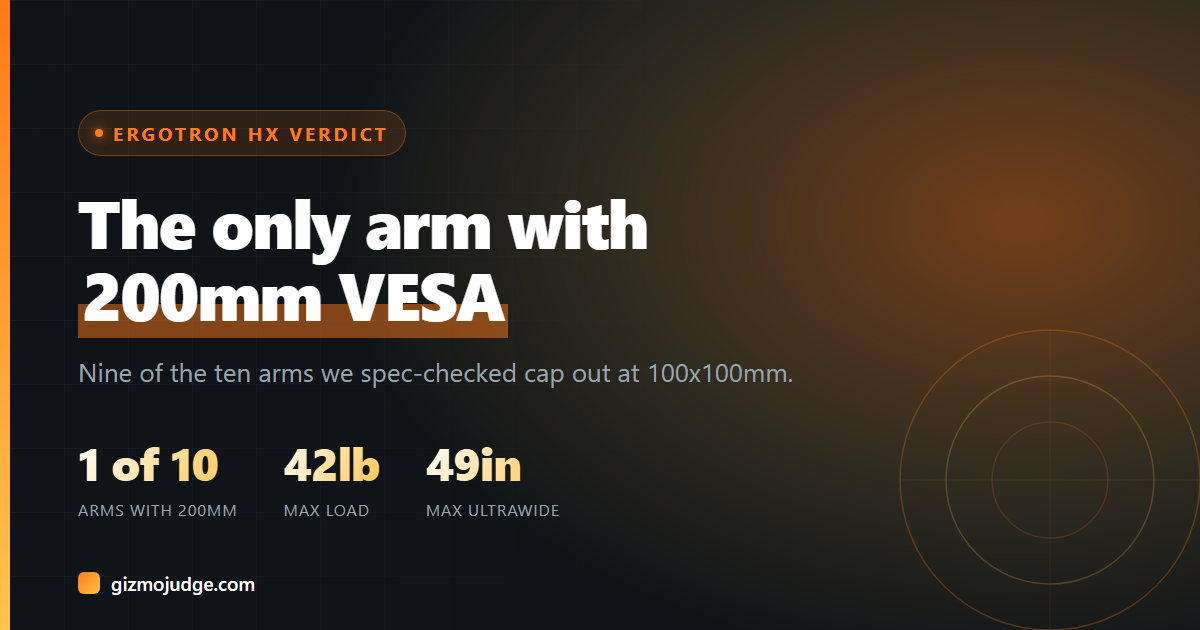
Our own spec check across 10 monitor arms found that nine of them, regardless of price, cap out at the same 100x100mm VESA hole pattern. The HX is the exception. Per Ergotron’s spec page, it supports the standard MIS-D pattern (75x75mm and 100x100mm) plus the wider MIS-E (200x100mm) and MIS-F (200x200mm) patterns that some large-format and curved ultrawide displays use on the back, with an optional adapter kit stretching that to 400×200/300/400mm. It also holds far more weight than most: 20 to 42 lbs, using the same Constant Force spring technology found in Ergotron’s lighter LX arm, just scaled up.
What it actually does well
- Real 200mm VESA support, the only arm in our 10-arm spec check that had it, per Ergotron’s published mounting standards, opening it up to large-format and curved ultrawide monitors that a 100×100-only arm physically cannot bolt to.
- 20 to 42 lb weight capacity, per Ergotron’s spec sheet, and TweakTown’s hands-on review confirmed it handled a 43-inch 4K gaming monitor “like a champion,” with Ergotron rating it compatible with displays up to a 49-inch 32:9 ultrawide.
- Fast, tool-included setup: TweakTown’s reviewer, who had never installed a monitor arm before, was up and running in under 30 minutes with the screwdrivers and hardware provided in the box.
- A rotation-limiting screw: per TweakTown’s review, a small screw in the base mount can lock the arm’s swing to 90 degrees left and right, stopping it from swinging back far enough to scuff a wall behind a desk pushed against one.
- 10-year warranty, per Ergotron’s listing, matching the coverage on its other Constant Force arms and reflecting the same “tremendous build quality” TweakTown’s review singled out as the standout of the whole unit.
Where it falls short
The HX is priced for the display it’s built to carry, well above a basic 44 lb-capacity arm, so it is not the pick if your monitor is a single 24 to 27-inch panel under 20 lbs. Ergotron’s own spec sheet notes the heavier-duty tilt pivot accessory is specifically recommended for displays in the 28 to 42 lb range with 6 to 12 inches of depth, which means the HX is built around a minimum load as much as a maximum one: it is engineered for genuinely large or heavy screens, not a light everyday monitor that would be better served by the smaller Ergotron LX. Some very large or curved displays still need a separate VESA adapter plate to fit the HX’s mount cleanly, as more than one verified Ergotron buyer noted when mounting 42-inch OLED TVs used as monitors.
Who should buy it, and who should not
Buy it if you’re mounting a large-format display, a 32-inch-plus ultrawide, or a TV-as-monitor setup, and especially if your display uses the wider 200mm VESA pattern that most competing arms simply cannot mount. The 10-year warranty and Constant Force build quality make it a long-term investment rather than a yearly replacement.
Skip it if your setup is a single standard monitor under 20 lbs on a 75×75 or 100×100 VESA pattern. That’s a lighter, cheaper job, and the HX’s spring tension is tuned for heavier loads. Check your monitor’s own VESA pattern and weight before buying, since a mismatch either way (too light for the HX, or a 200mm pattern an ordinary arm won’t fit) is the single most common return reason across the arms we checked.
Frequently asked questions
What is the Ergotron HX’s maximum weight capacity?
20 to 42 lbs (9.1 to 19.1 kg), per Ergotron’s published spec sheet. Ergotron recommends its separate Heavy-Duty Tilt Pivot accessory for displays in the 28 to 42 lb range with 6 to 12 inches of depth.
Does the Ergotron HX support 200mm VESA mounting?
Yes. Per Ergotron’s mounting standards, it supports 75x75mm and 100x100mm as standard, plus 200x100mm and 200x200mm, with an optional adapter kit extending that to 400×200, 400×300 or 400x400mm. In our own spec check of 10 monitor arms, it was the only one that supported anything beyond 100x100mm.
How is the HX different from the Ergotron LX?
Both use Ergotron’s Constant Force spring technology and carry a 10-year warranty, but the LX tops out at a 25 lb capacity and the standard 75×75/100×100 VESA pattern, while the HX scales up to 42 lbs and adds support for the wider 200mm pattern. Buy the LX for a standard single monitor, the HX for a large-format, heavy, or wide-VESA display.
Is the Ergotron HX hard to install?
No. TweakTown’s hands-on review, written by a first-time monitor arm user, found it fully installed and running in under 30 minutes using only the tools and hardware included in the box.
Check the specs yourself
Every measurement quoted above comes from the product pages below. Prices and availability change, so check the source before you buy. Links verified 13 September 2026.
- Ergotron HX Desk Monitor Arm Manufacturer
Specifications sourced from Ergotron’s published HX product page and TweakTown’s hands-on review. Prices change often and are deliberately not quoted here. Check the current listing before buying. Affiliate disclosure.