
Verdicts here are built from published testing, real owner reports and spec sheets, not our own hands-on use. See how we judge →
A monitor arm is one of those upgrades you buy once and stop thinking about, if you pick the right one. Get it wrong and you will be re-clamping a wobbly arm every week. Here is what actually matters before you buy, based on published buying guides from BenQ and Micro Center.
Gas spring vs. mechanical arms
Gas-spring arms use a nitrogen-filled cylinder to counterbalance the monitor, so you can push or pull the screen into position with one finger and it stays put. Mechanical (spring-tension) arms are cheaper but stiffer, and usually need a screwdriver to adjust the tension. If you reposition your screen often, pay for gas spring. If you set it once and leave it, mechanical is fine.
Clamp, grommet, or wall mount
- Desk clamp: a C-shaped bracket that grips the desk edge. Works on almost any desk, easiest to install, and per Micro Center’s buying guide it is the right default for most people.
- Grommet mount: goes through a hole in the desktop. Cleaner look, handles thicker desks, but you need an existing or drillable hole.
- Wall mount: frees the desk entirely but needs to hit a wall stud, and moving it later means drywall repair.
Avoid clamping onto a hollow-core desk (the cheap flat-pack kind), both clamp and grommet mounts can damage them, per Micro Center.
Weight capacity: don’t just match it, beat it
Check your monitor’s weight (without its stand, usually listed on the manufacturer’s spec page) and add a safety margin. BenQ’s buying guide recommends an arm rated for at least 28.6–33 lbs (13–15 kg) as the most versatile choice for a standard monitor, since accessories like a monitor light or webcam add weight you need to account for.
Two mistakes to avoid in either direction: an under-rated arm will sag over time, and an over-rated heavy-duty arm can cause a lightweight monitor to float upward and refuse to stay down, per BenQ. If you run a curved or ultrawide display, add roughly 5 extra lbs of buffer. The curve shifts the weight forward and adds tension to the joint regardless of which arm you choose.
Check VESA compatibility before you buy anything
Nearly every monitor arm mounts via VESA: four screw holes in a square pattern on the back of your monitor. The monitors that sometimes lack it are older or very cheap models, so if you are running one of those, confirm VESA support before ordering an arm.
Single vs. dual monitor arms
For a two-screen setup, a dedicated dual-arm unit (one clamp, two arms) is simpler to install and easier to align side by side than running two separate single arms. The exception: if you want one screen to stay perfectly centered as your main display (common in gaming setups), two independent single arms give you more control over that.
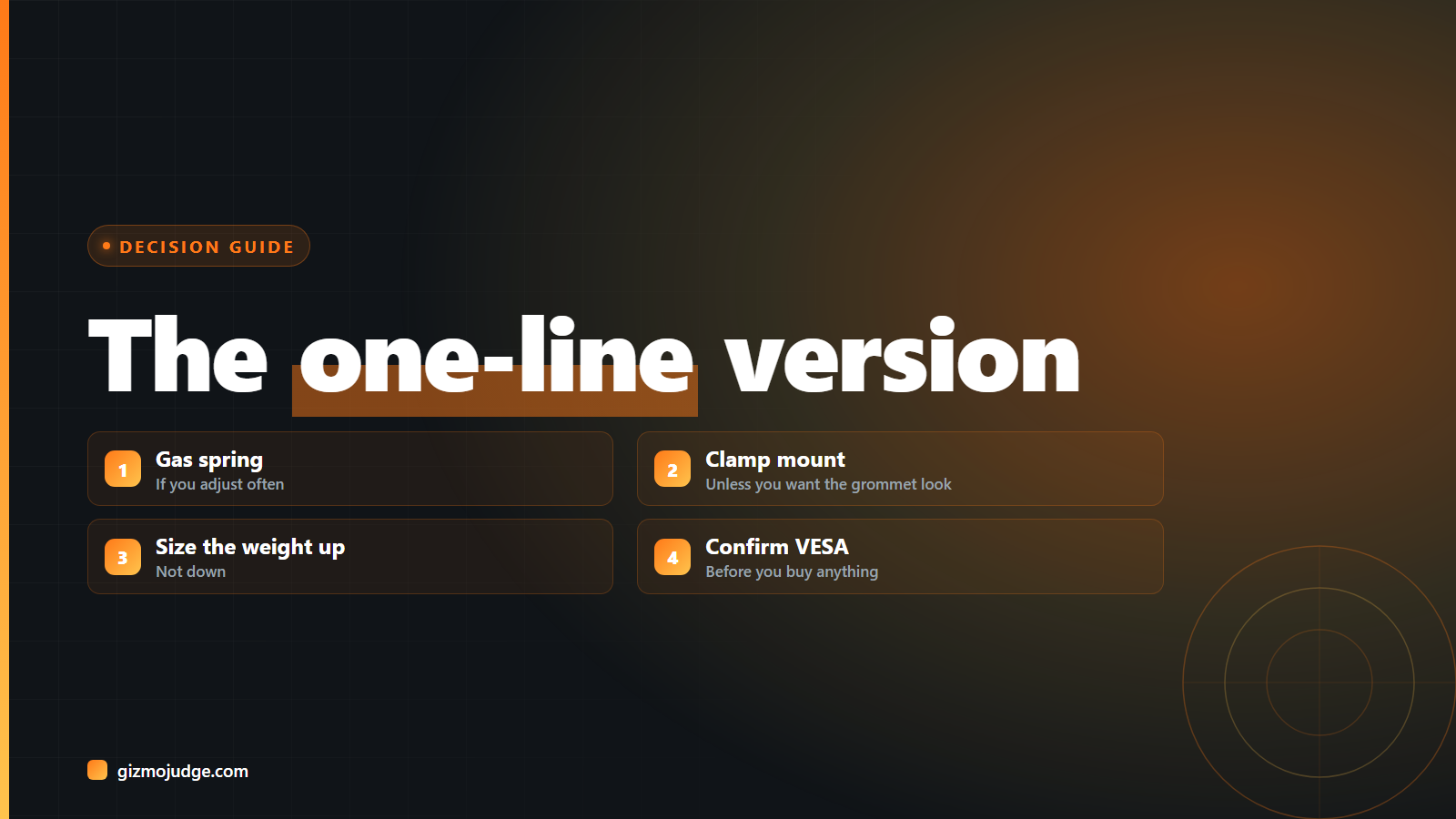
The one-line version
Gas spring if you adjust often, mechanical if you don’t. Clamp mount unless you specifically want the cleaner grommet look. Size the weight rating up, not down. Confirm VESA before you buy. That is genuinely most of the decision.