
Verdicts here are built from published testing, real owner reports and spec sheets, not our own hands-on use. See how we judge →
We weighed every arm here against Wirecutter’s hands-on testing coverage, Micro Center’s buying guide, published spec sheets, and real owner feedback, and boiled it down to one clear verdict per pick. Prices are approximate and move around, so check the current price before you buy.
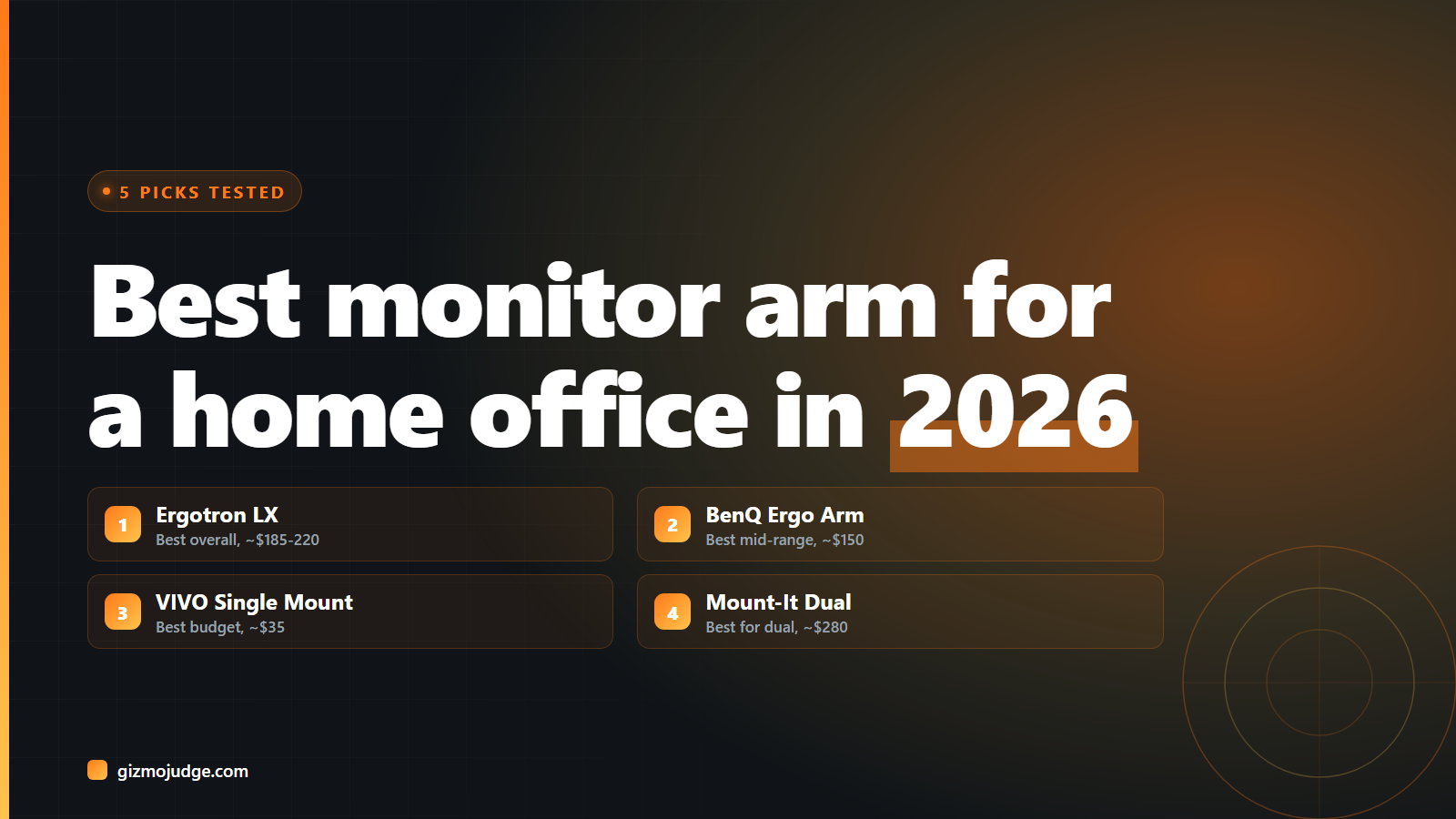
Best overall: Ergotron LX Desk Monitor Arm
Verdict: Buy. The LX has been the reference point other arms get compared against for years, and it still is. Gas spring, tilts up to 75° and rotates a full 360°, VESA compatible, handles displays up to 34” and 22 lbs. Ergotron’s own spec sheet explains why: the standard LX has a wider base and a higher weight tolerance than the newer LX Pro, which trades some of that capacity for a slimmer footprint and better tilt. Around $185–220 depending on the version.
Buy if: you want the safe, well-documented, easy-to-resell choice and don’t mind paying for the name. Skip if: $185+ is more than your monitor is worth.
Best mid-range: BenQ Ergo Arm
Verdict: Buy. It does not have the LX’s name recognition, but on paper it is the more capable arm at a lower price. Gas spring, a genuinely wide capacity range (4.4 to 44 lbs, 17” to 45” screens), and a reinforcement plate under the clamp that protects your desk from indentation, a detail most arms skip. Around $150, available as single or dual-arm.
Buy if: you have a mid-to-premium monitor (5K, OLED, or similar) worth protecting. Simple math: it makes no sense to put a $150 arm under a $150 monitor.
Best budget: VIVO Single Monitor Desk Mount
Verdict: Buy-if. Tech YouTuber Switch and Click (1.3M subscribers) put a $35 VIVO arm head-to-head against a $180 Ergotron in a dedicated comparison video and called the VIVO the best-value pick of the group, noticeably less polished, but functional and stable for a single standard monitor.
Buy if: you’re mounting one standard-weight monitor (under ~15 lbs) and want to spend as little as possible without going to the genuinely bad options below. Skip if: you’re running anything heavy or ultrawide. Step up to the BenQ or Ergotron instead.
Best for dual monitors: Mount-It! Heavy Duty Dual Monitor Arm
Verdict: Buy. Built to hold a 34” ultrawide long-term without drooping, which is the real test a dual or ultrawide arm has to pass. Handles 15”–34” screens up to 20 lbs each, built-in cable management, VESA standard. Around $280.
Buy if: you’re running two full-size or one large ultrawide monitor and want a single reliable clamp instead of stacking two separate arms.
Skip: AmazonBasics Adjustable Desk Mount Arm
Verdict: Skip. Around $28, and it shows. Owner reviews describe a simple, non-articulated pole design that feels shaky in use, and shipping-damage complaints show up often enough to be a pattern rather than bad luck. Your monitor, and your neck, deserve better than the cheapest possible option here. The VIVO above costs a little more and is a genuinely different product.
Quick comparison
| Pick | Price | Verdict |
| Ergotron LX | ~$185–220 | Buy: best overall |
| BenQ Ergo Arm | ~$150 | Buy: best mid-range |
| VIVO Single Mount | ~$35 | Buy-if: budget, single light monitor |
| Mount-It! Heavy Duty Dual | ~$280 | Buy: best for dual/ultrawide |
| AmazonBasics Adjustable | ~$28 | Skip |
Not sure which category fits your setup? Read our buying guide first. Weight rating and mount type will narrow this list fast.
Frequently asked questions
Does a monitor arm actually improve posture?
Will an arm damage my desk?
How much should I spend?
Check the specs yourself
Every measurement quoted above comes from the product pages below. Prices and availability change, so check the source before you buy. Links verified 13 September 2026.
- Ergotron LX Desk Monitor Arm Manufacturer
- BenQ Ergo Arm Manufacturer spec sheet
- Amazon Basics Premium Single Monitor Arm Retailer listing